Video calibration: nobody ever called to switch it back
I calibrated displays in client homes for years. Here's what it fixed, why people resisted it, and why I stopped selling it.
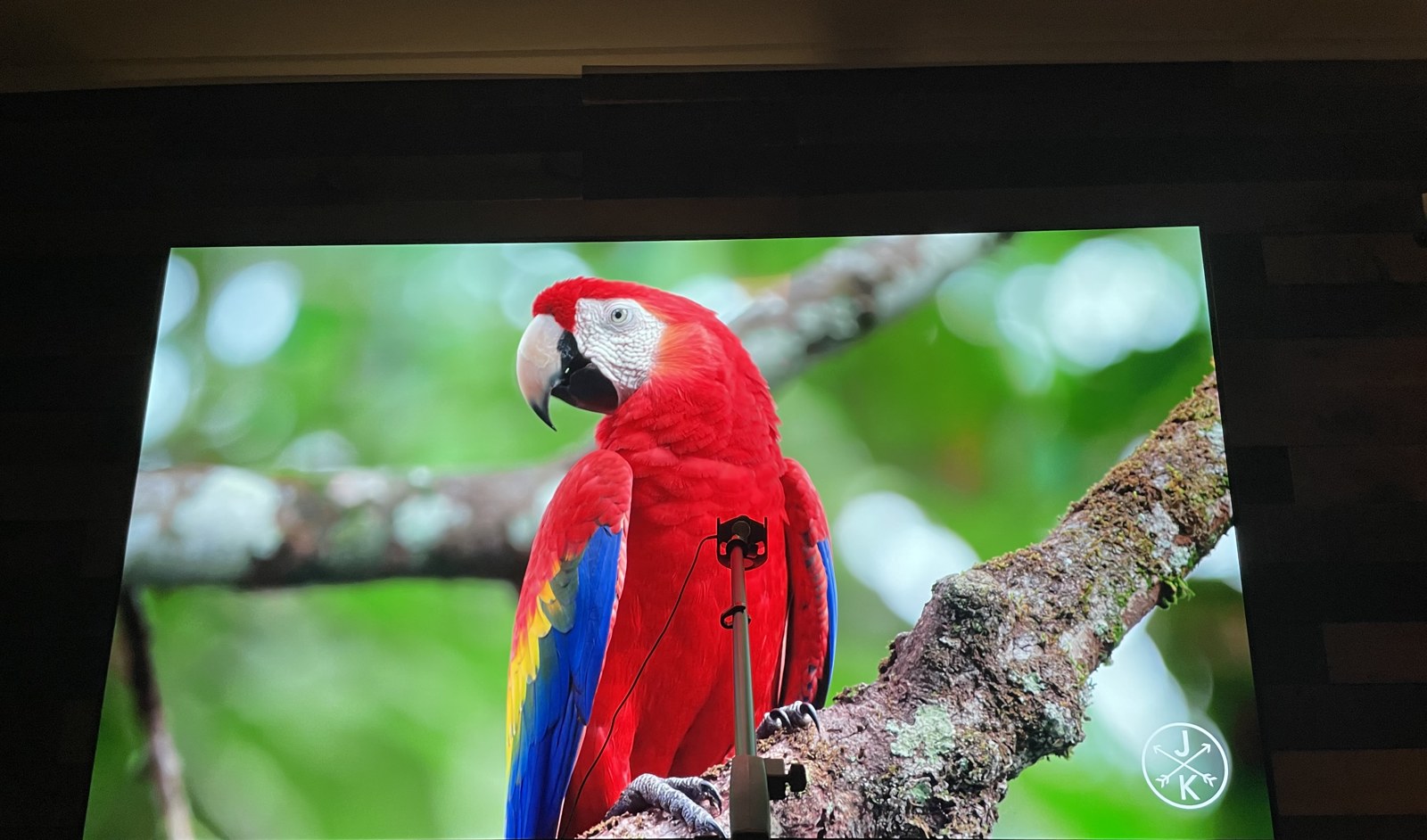
Every TV I ever walked up to in a client’s house was in one of two modes: whatever the factory shipped it in, or Vivid. Not once — not a single time in all those years — did I find a client’s display sitting in Cinema or Filmmaker mode.
“That’s too dark”
The irony is that the mode nobody uses is the one closest to correct. I have ISF Level III calibration training, so I know exactly what those modes are trying to do, and they’re trying to show you the image the way it was graded.
But when I’d switch a TV over in front of a client, the reaction was immediate and it was always the same three words: “That’s too dark.”
So I stopped fighting it. My method became: calibrate the display to reference first, then raise brightness and gamma back up toward their taste. Start from correct, then bend it toward the person who lives there.
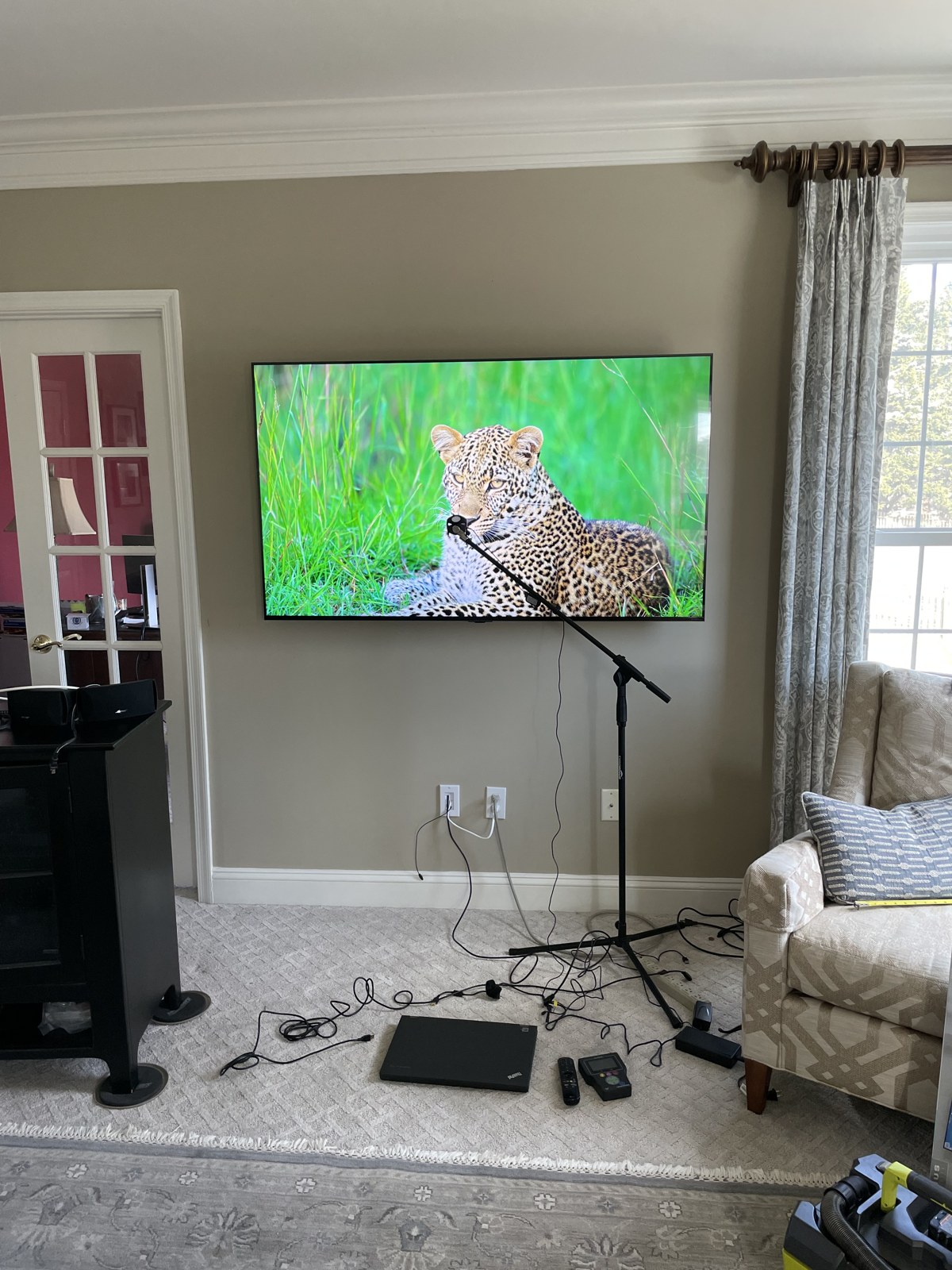
A day or two
Here’s the part that surprised me. Most people liked the correct picture once they lived with it. It took about a day or two. They’d come around. They’d still flip to sports or game mode for sports and games, which is fine — that’s what those modes are for.
But nobody ever called me to switch it back. Not one client, ever.
Where it showed the most
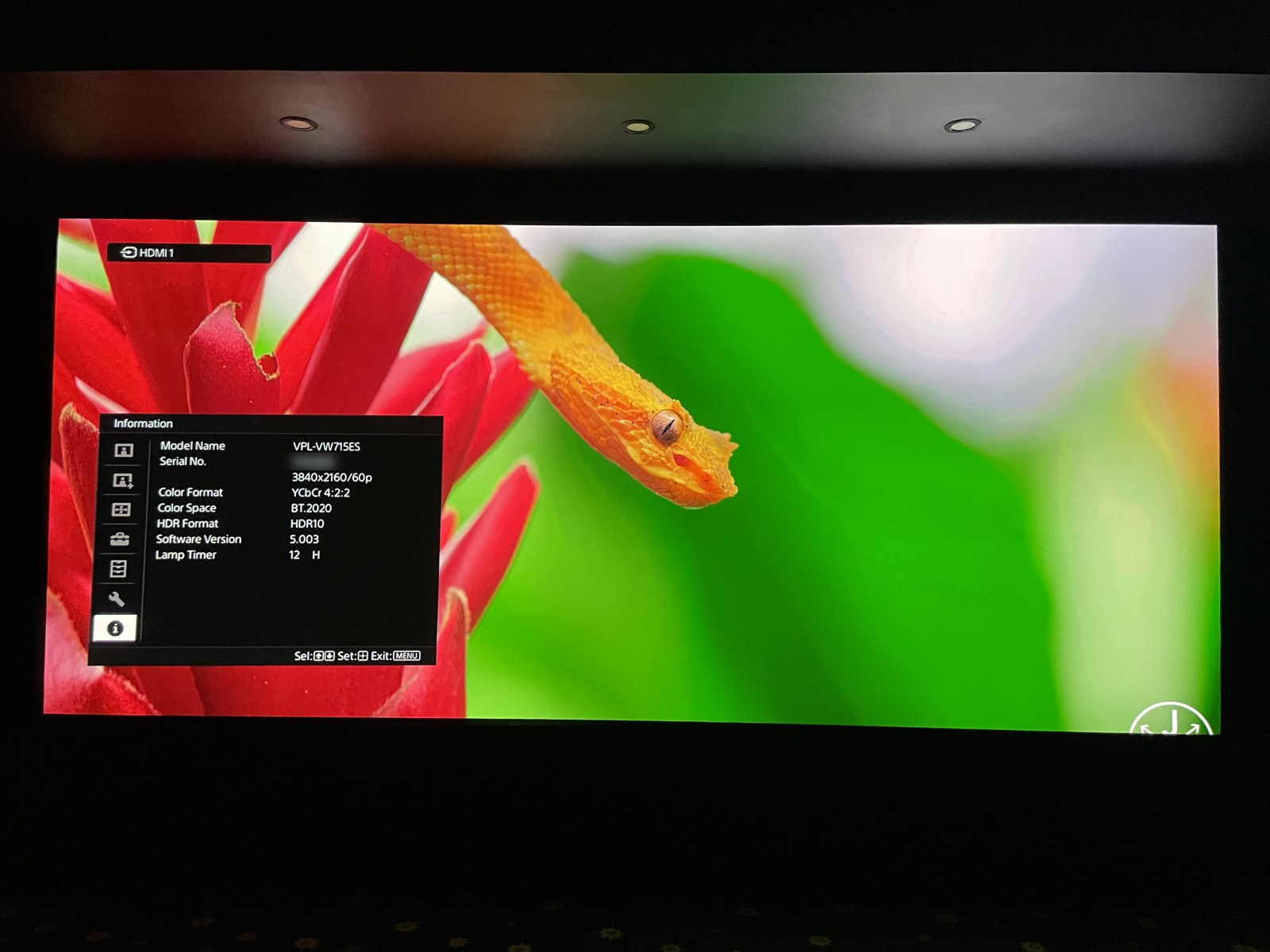
Projectors, because the image is so big that it’s hard to miss a change, depending on how far off reference the projector started. And OLEDs, because their contrast is so extreme that any change to gamma shows up right away, especially in shadow detail in HDR.
Why it’s hard to sell
Calibration is nearly impossible to demo. You can switch between modes, sure, but digging through a TV menu takes so long that by the time you get to the other setting, your brain has already forgotten the image you were supposed to be comparing it to. What you actually need is a true side-by-side, and that’s almost impossible to arrange today.
I’ve written before about how hard it is to show someone a better image. This is the same problem wearing different clothes.
What it cost to be able to do it
Getting certified meant a multi-day ISF course that ran into the thousands of dollars. It was genuinely rewarding, and it changed how I look at an image. Then came $5,000 to $10,000 in measurement gear before I could calibrate anything for money. And then multiple hours of labor per display.
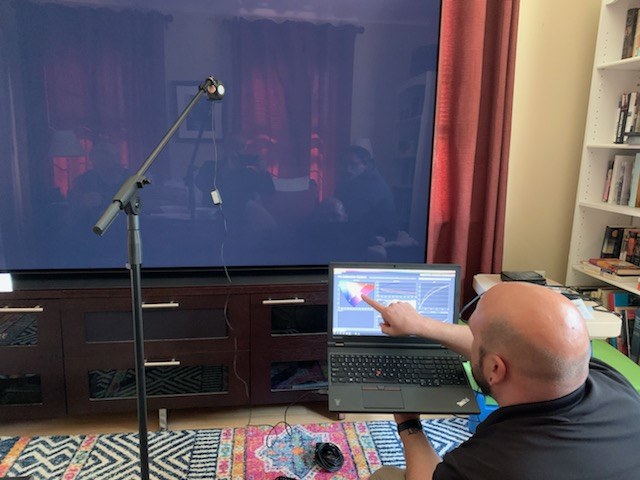
I charged $350, billed as its own line item.
I never broke even on the certification. Not once. We marketed it, so I don’t think that was the problem. I think I didn’t charge what the work was worth, in an area where the clientele wasn’t going to pay $800 for a calibration anyway.
Why I stopped selling it
The people who bought calibration were the people spending real money on a display. Three or four thousand dollars on a 65-inch OLED. Twelve to twenty thousand on a projector with high native contrast. They’d already paid for performance and they wanted all of it.
That buyer got rarer. A 98-inch TV used to mean someone serious about picture quality. Now it means someone who wanted a big screen for $1,000. From our own numbers at Bright Wire, we’re selling more big, inexpensive displays and fewer high-end ones — TCL, Hisense, the lower-end Sonys, sometimes an LG OLED.
And those panels look good enough out of the box. Meanwhile calibration is multiple hours of labor, and labor is expensive right now. So you end up quoting an expensive calibration on an inexpensive TV. Nobody wants to spend a third of the price of the set to improve something that already looks really good. Of course it can be made to look better. But really good out of the box is good enough for most people.
There’s a practical problem on top of the money. A calibration is for one set of conditions. Calibrate for a dark room and it’s too dark in daylight. Split the difference and it’s too bright in a pitch-black room at night. Without an ambient light sensor switching between them automatically, you’re picking one scenario and living with it.
The pink problem
One more thing that never helped the pitch. On some LG OLEDs, a calibrated picture profile would occasionally turn pink and stay pink. The fix was either to calibrate a different picture mode, or to factory reset the TV to free up the borked one.
I never determined the cause. I never charged the client for the extra time either, because they didn’t know the cause any more than I did.
What we do now
We walk the client through how to change picture modes, and then we leave the TV on whatever it shipped with unless they ask for something else. We leave it wherever the client would like.
Which is a strange place to land after all that training. I know what the right picture looks like, I know most people come around to it in a day or two, and I know that not one person ever asked me to put it back. And I still hand them the remote and let the factory default stand.
Where it still makes sense
I’ve only ever calibrated residential displays, in client homes. But every time I’m in a restaurant or a bar with a wall of TVs, I think about it. Same model, same family, sitting right next to each other, and the pictures are visibly different. Panel-to-panel variance is real, and there’s no place it’s more obvious than a video wall where you can see six of them at once. Rule out the incoming feed and what’s left is the panels.
That’s a perfect case for calibration. And it’s the one place I almost never see it done.