One app instead of a folder full of them
My phone used to have a folder of nine smart home apps. Now almost everything runs from one, and that took choosing the devices on purpose.
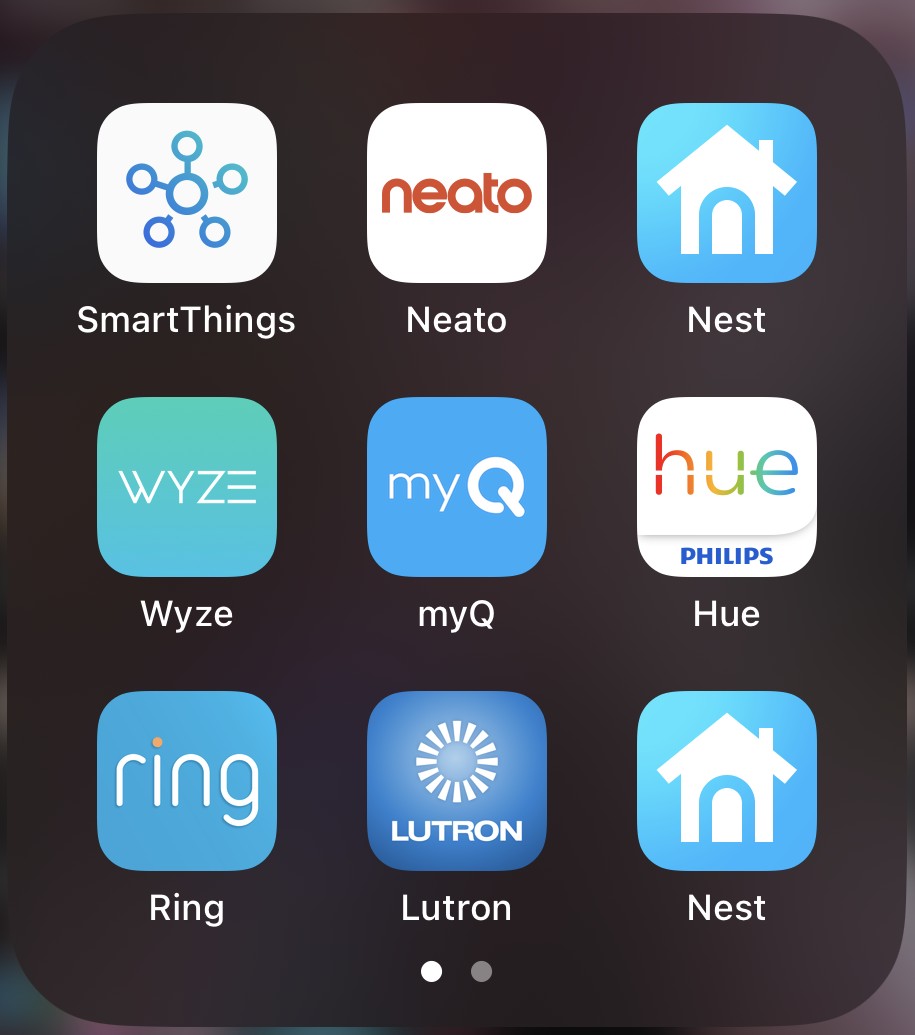
My phone used to have a folder called Smarthome with nine apps in it: SmartThings, Neato, two for Nest, Wyze, myQ, Philips Hue, Ring and Lutron. Most people with a smart home end up with a folder like that. Nobody plans it. You buy one thing at a time, and each thing comes with its own app.
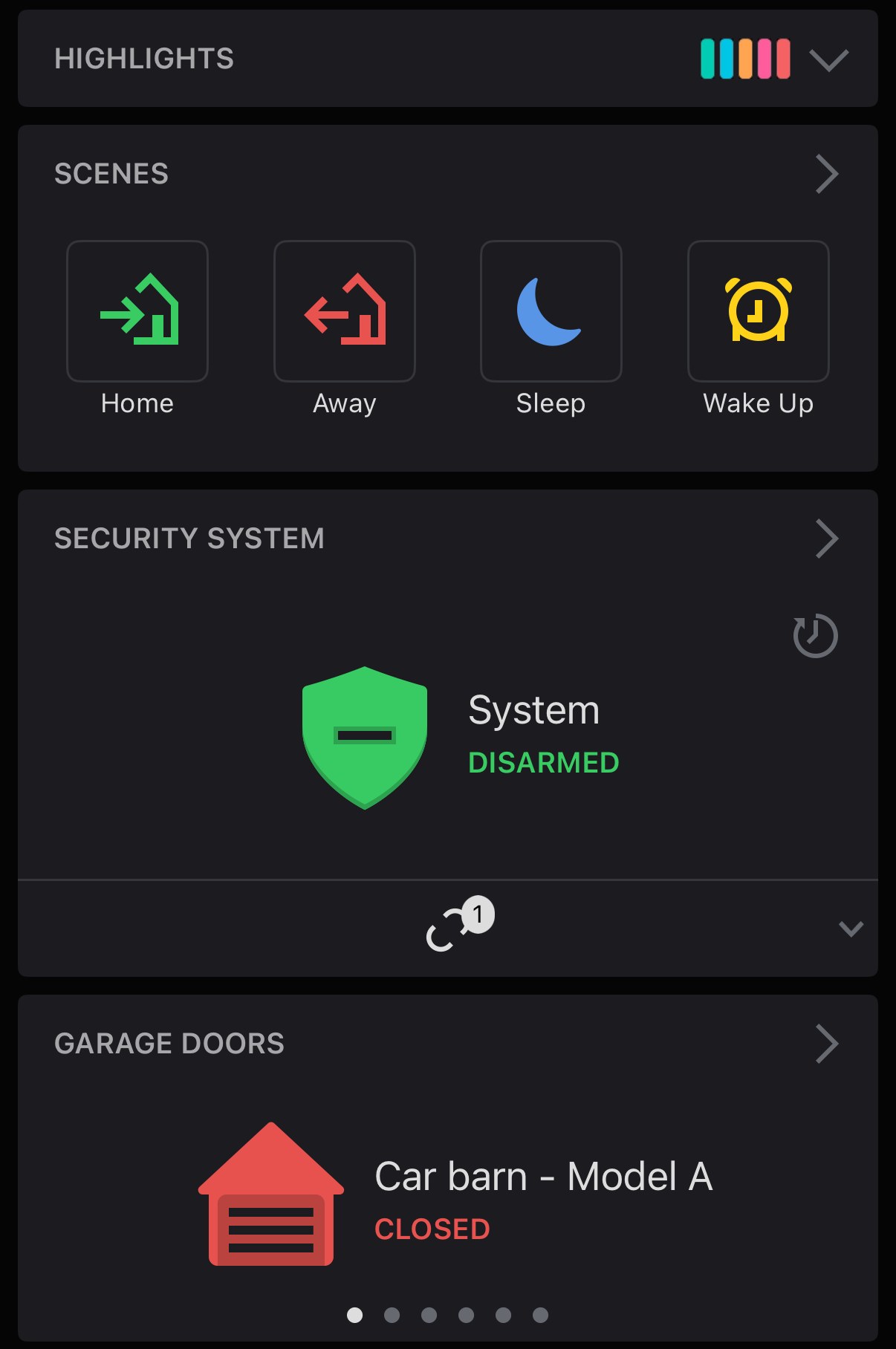
By the time I took that screenshot, my house already ran on Alarm.com. I’d just never deleted the old apps. Almost everything in that folder runs from one app now, and that didn’t happen by accident.
Three hubs first
Before Alarm.com, I had a Vera Mi Casa Verde hub, a SmartThings hub and a Schlage Nexia hub. None of them gave me the integrated experience I wanted.
SmartThings never felt like a true security system to me, even when it offered monitoring. I’m not a fan of security sensors that talk over Zigbee or Z-Wave. Anyone who has lived with Z-Wave gear knows how finicky it can be. Security-grade sensors like Qolsys S-Line, DSC PowerG and 2GIG run on their own security radio protocols, and in my experience they’re night-and-day more responsive. It’s the same difference as a Z-Wave light switch next to a Lutron Caséta switch: same job, very different feel.
What changed my mind
What won me over was going to work at Alarm.com. Cameras, the doorbell, lights, locks, the thermostat, the garage door, a water valve, whole-home audio: all of it in one app, laid out in a way that works for young and old alike.
I used to think that putting everything in one place meant jack of all trades, master of none. That’s still how I see Google Home and the Nest app. They show you everything on your network, but they don’t give you a dashboard you’d actually want to use. Alarm.com was a breath of fresh air.
The walled garden is on purpose
Alarm.com works from a list of approved hardware. If a device isn’t on the list, it doesn’t work. I was the product manager for the “Works with Alarm.com” program, so I’ve seen how a device gets onto the list. Some platforms will give a device their seal of approval once it implements the APIs and passes automated tests. When I was there, Alarm.com also tested the physical hardware against the system, and the device had to meet their bar for the user experience. That was true even for Wi-Fi devices that talk cloud to cloud.
The cost is that some of the biggest consumer names don’t integrate natively. As I understand it, Ring won’t give up the raw video stream from its doorbell for the Alarm.com cloud to display, and even if it did, you’d lose Alarm.com’s video analytics. A Nest thermostat technically does integrate, but Alarm.com doesn’t advertise it. From what I saw, Google won’t let Alarm.com build the Nest-specific features that make a Nest a Nest, so in the Alarm.com app you can change the temperature and set schedules, and that’s about it.
The pattern I see is that the ones left out are the big consumer brands that aren’t focused on security and automation, or that want to own the customer relationship themselves: Reolink, Eufy, Wyze, Ring, Nest, Google, Amazon.
The two that wouldn’t move
Two apps are still on my phone: Philips Hue and Logitech Harmony. They’re the same two integrations that got to working proofs of concept while I was at Alarm.com, and neither one shipped. Everything else folded into Alarm.com.
But Alarm.com didn’t magically absorb whatever I happened to own. I made conscious choices about which devices I bought so that they would integrate cleanly. A device Alarm.com supports works like a first-party device in the app, even when it doesn’t have Alarm.com’s name on it.
Buying off the shelf
If you walk into Best Buy or Home Depot and grab a switch, a bulb, a doorbell and a lock, there’s a good chance they won’t work together. And if they do, you can get stuck. Say everything you bought lives in Google Home, and then you want a Ring doorbell, which doesn’t play along. Matter, Thread and Apple HomeKit make it better now, but it’s still not quite there.
That’s why we try to get in with clients as early as we can. We want them thinking about the future before they buy anything. Maybe they don’t want cameras now, but will they later? What should those cameras do? Then the devices they pick work well together, and they get one app instead of a folder of apps that don’t talk to each other.
Putting everything with one company has its own risk, which is what happens if that company goes away. I wrote about that in what happens to your smart home when the company disappears.
At my house
My wife controls everything through Alarm.com. We have both Lutron Caséta switches and Z-Wave switches in the house, and the app hides the difference. To her, each one is just a switch, a dimmer or a scene controller. The brand and the radio don’t matter. We could run a separate app for the Caséta switches, but we don’t have to.