I built a smart TV in 2006
In college I put a computer in the back of an LCD TV so it ran Windows Media Center and recorded live TV. I never sold one, but it was our TV for 6 years.
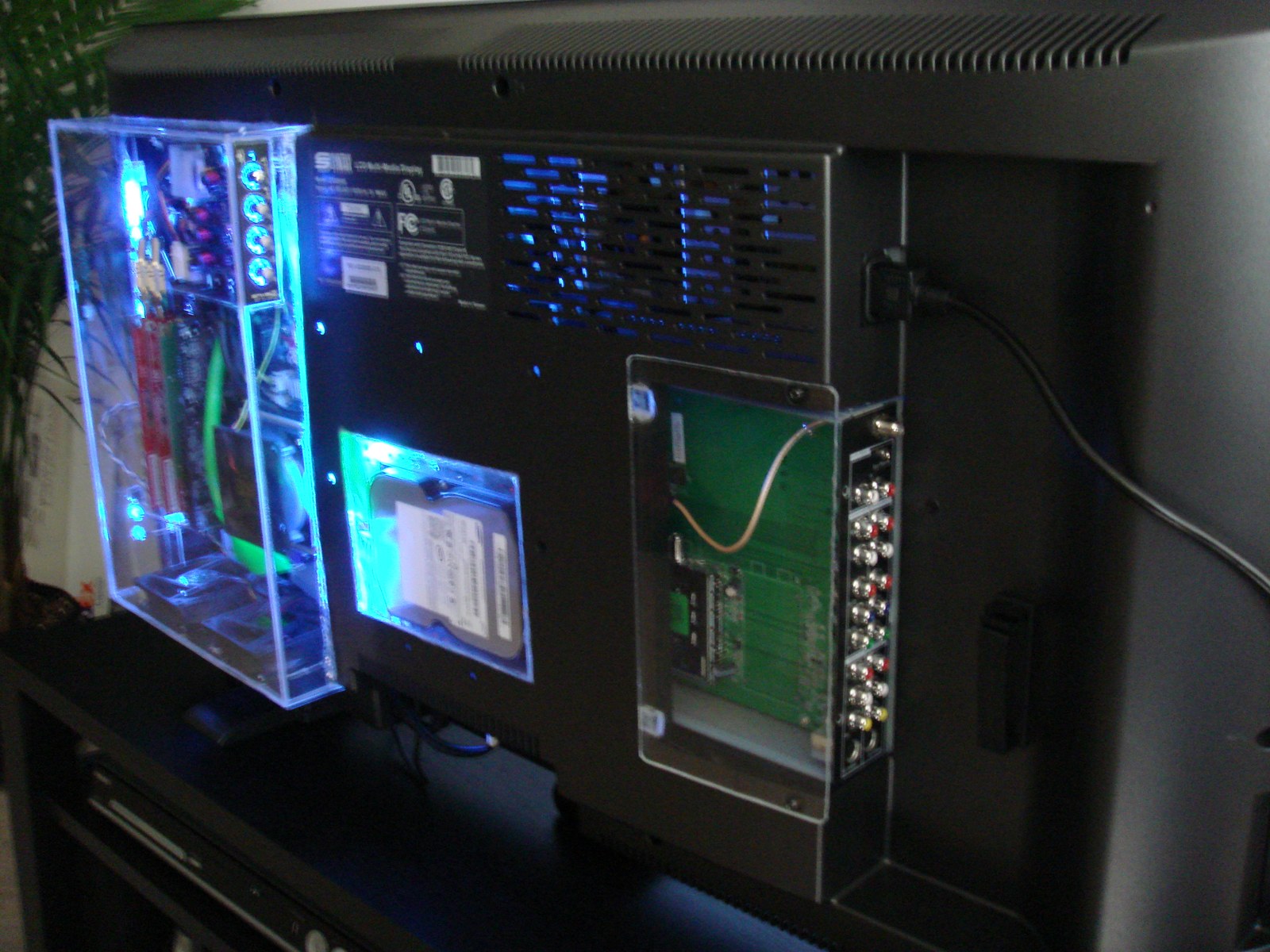
In 2006 I built a computer into the back of a TV and called it the iMedia TV. When you turned the TV on, it went straight into Windows Media Center. It recorded live TV and played whatever I had backed up to its drive. Smart TVs weren’t a thing yet, at least not anywhere I had seen one.
MediaInside
I was minoring in technological entrepreneurship in college, and one of the classes was a business-plan class. My plan was for a company called MediaInside, and its product was a TV with everything built in. The class thought it was pretty revolutionary.
A computer in a clear box
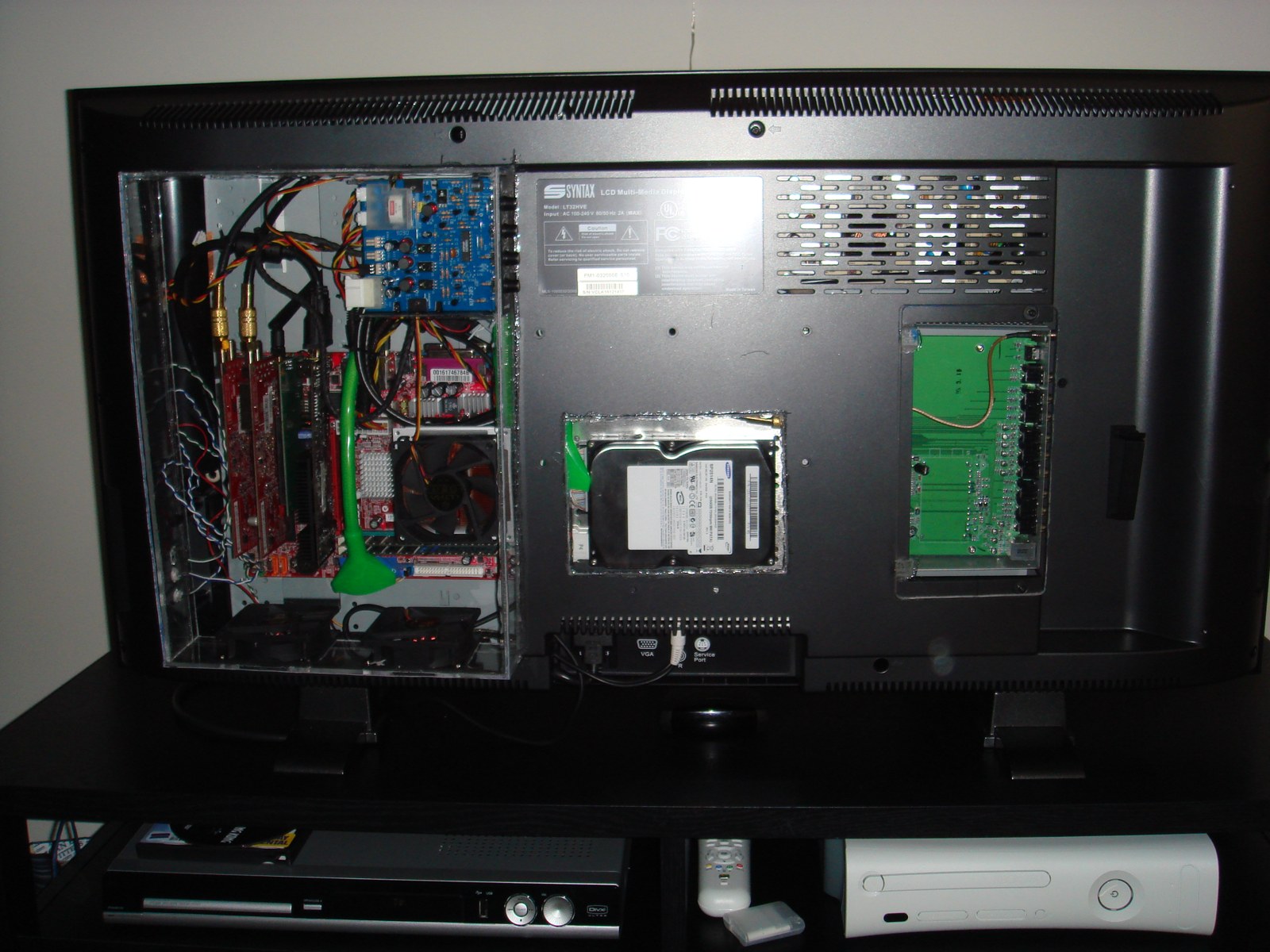
I started with a Syntax Olevia LCD TV and gutted it. The computer was a micro-ATX motherboard with two dual-tuner TV cards, which gave it four tuners, and a hard drive of about 500 GB.
The computer sat in a clear case on the back of the TV, and it slid out. I didn’t want the TV to go obsolete. When the computer got old, you could swap in a new one and keep the screen.
The software
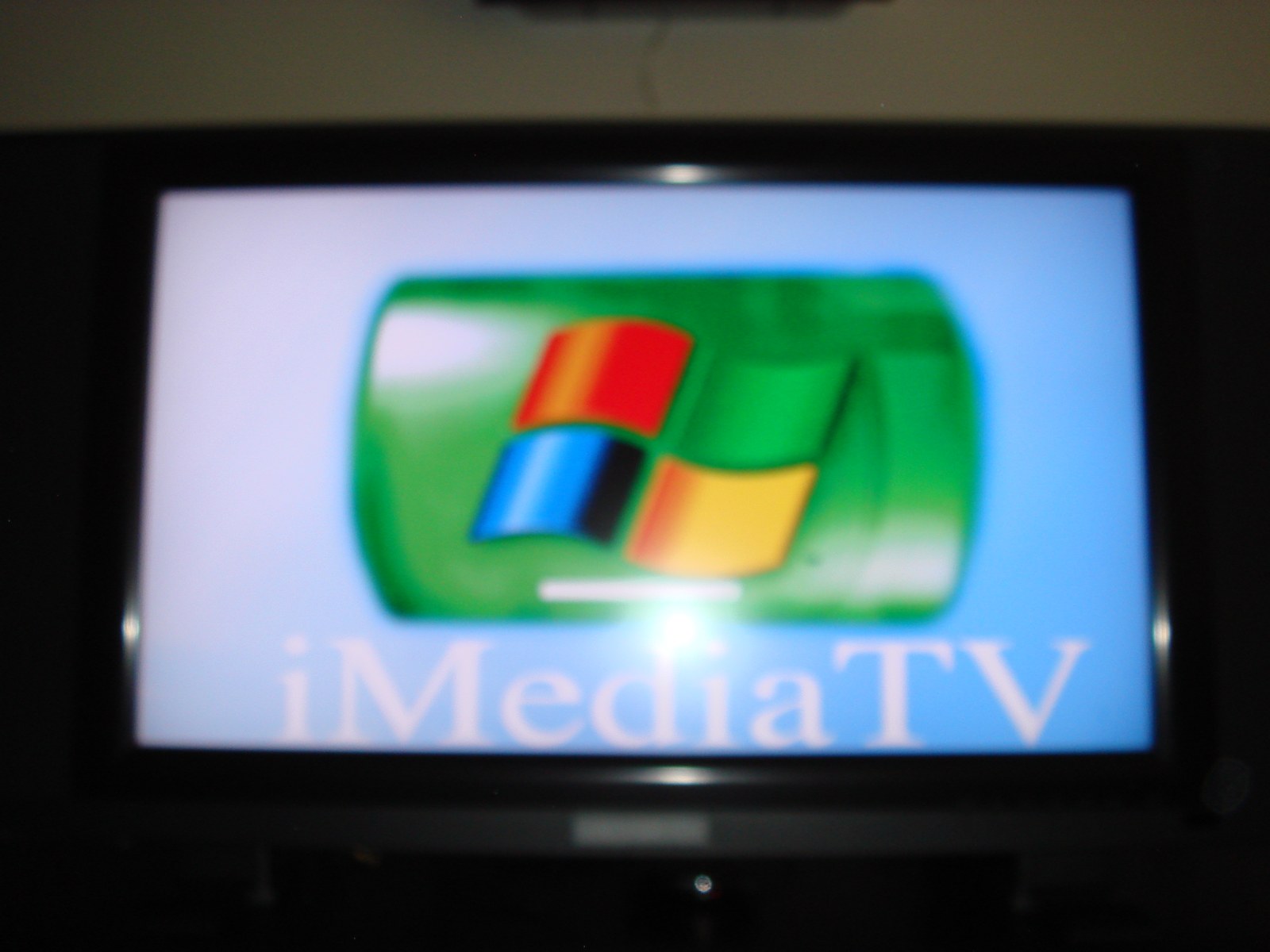
It ran Windows XP Media Center Edition, with my own startup screen that said iMediaTV.
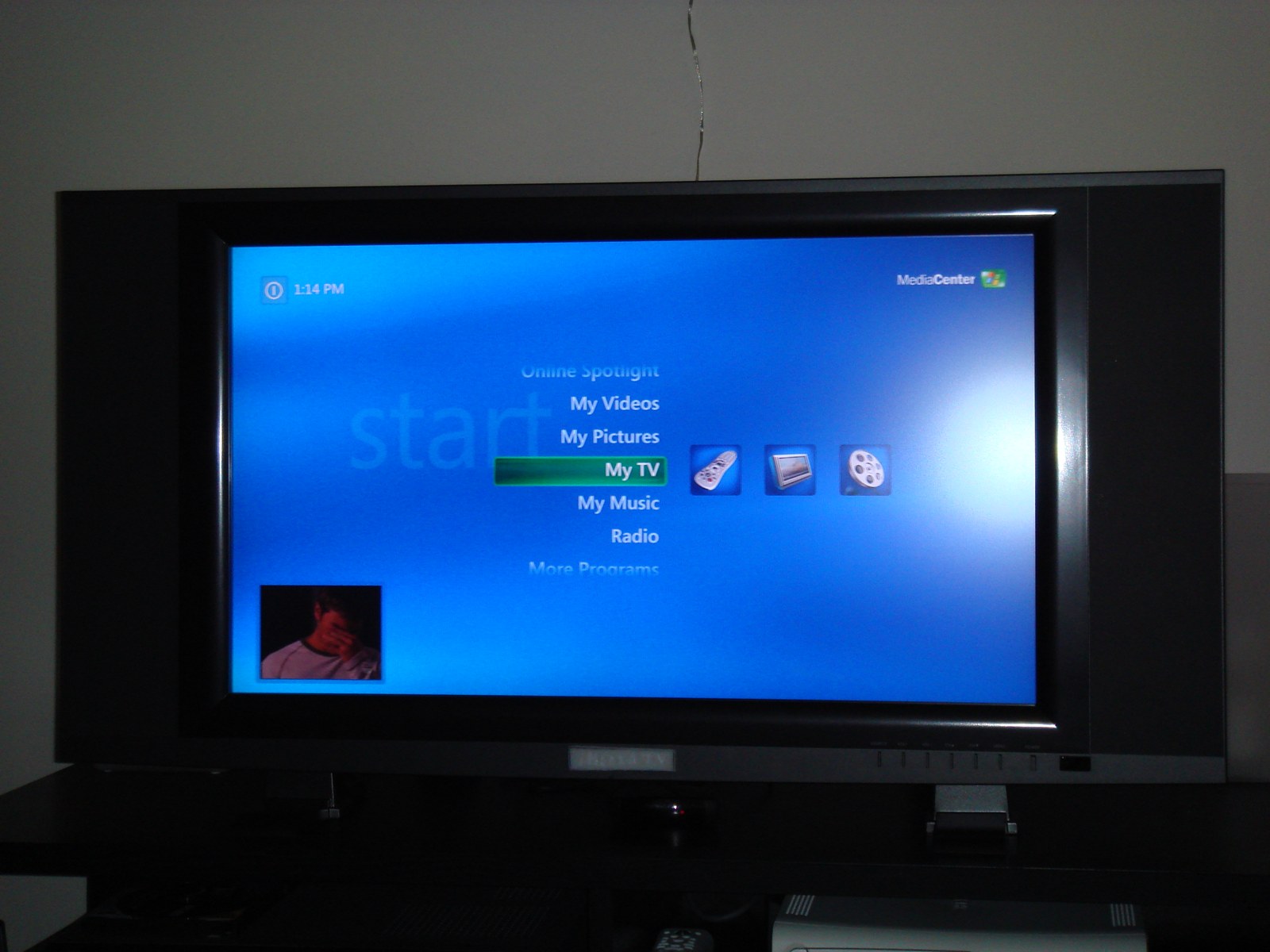
The computer stayed in sleep mode, so it could still record when the TV was off. Turning on the TV woke it up, and it went instantly into Media Center. I set it up so there was no way to exit back to the Windows XP desktop.
At first I tried to stretch it into a real streaming platform, “like Netflix and things like that.” In the end I kept it pretty vanilla Windows, because I was hoping to actually build and sell these.
Showing it to people
If you wanted to record TV back then, you had a cable company DVR or a TiVo. Media Center was a much, much, much better interface than anything I had ever used, and the people I showed it to thought it was amazing. But it was ahead of the market. People just weren’t really ready for it yet.
Windows Media Center was a really cool thing built into Windows, but people didn’t know about it or know how to use it.
I never showed the iMedia TV to investors, and I never sold one. Building them would have taken a ton of money. My parents were very supportive, but I took a job offer instead.
The apartment TV
It became the main TV in the apartment I shared with my then-fiancée, now my wife. When we got a bigger TV for the main room, it moved to the bedroom. It went to a PC recycler around 2012.
It only ever shipped to one household, ours, and it worked every day for 6 years.